1. Import statements
Drop in PDF statements from your bank or card portal.
 LedgerSprout
Standalone Desktop App
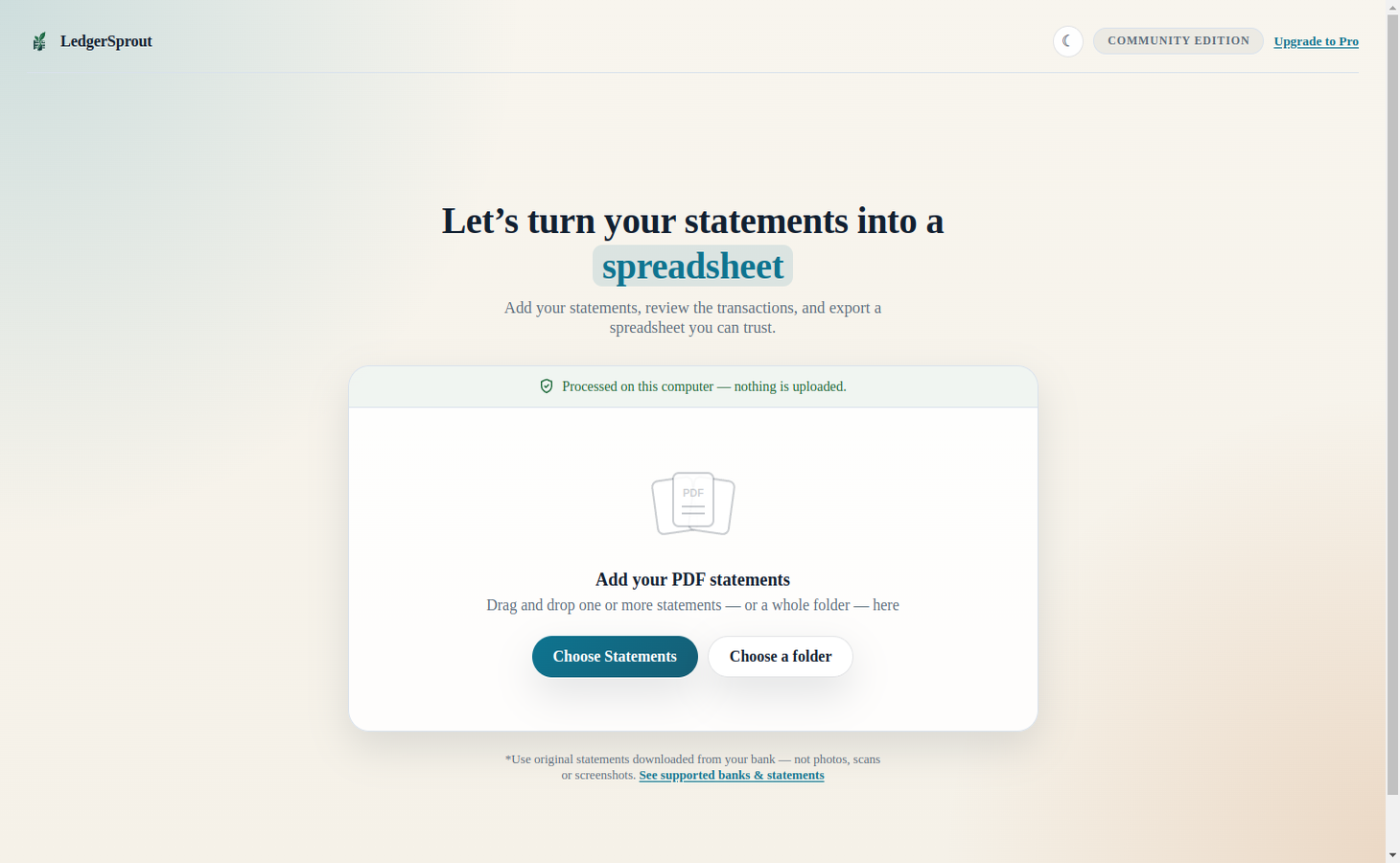
One of the few bank statement PDF readers on the market that is 100% private. Your data never leaves your computer!
LedgerSprout helps you import bank and credit card statements, review extracted rows, and export clean files you can use right away for bookkeeping and tax prep.
Workflow
Drop in PDF statements from your bank or card portal.
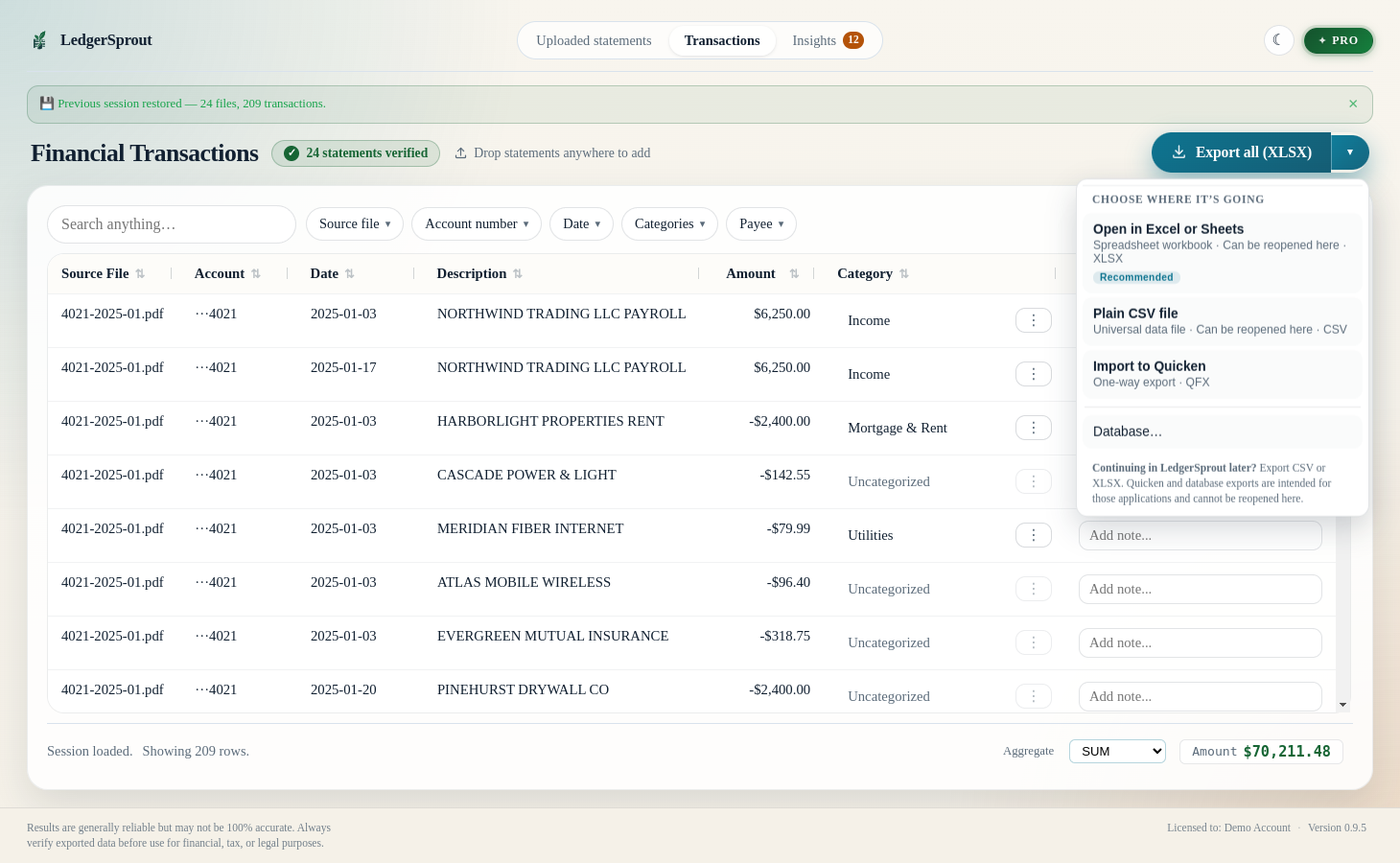
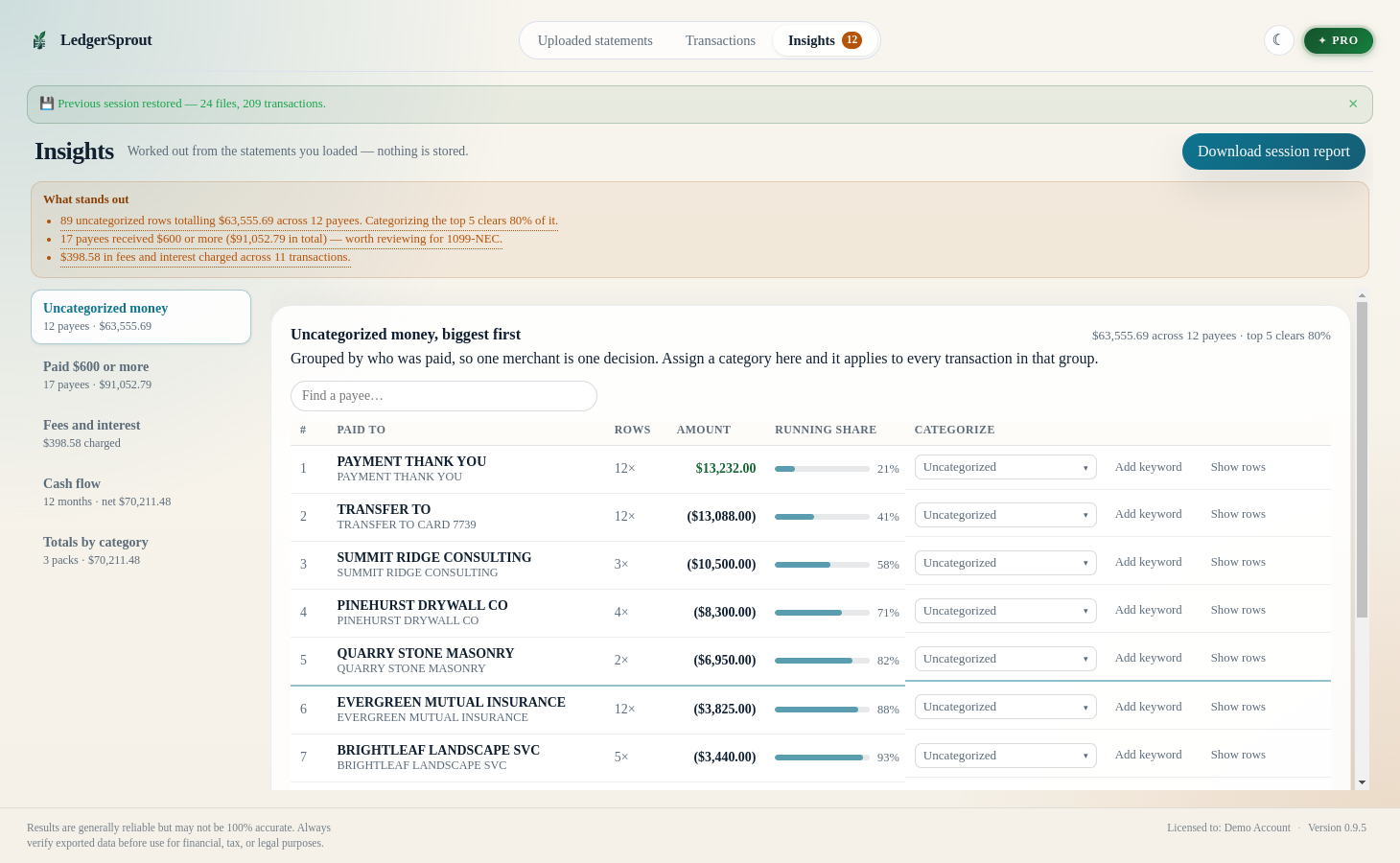
Check transaction details and adjust categories before export.
Generate output ready for spreadsheets, accounting, or tax workflows.
Private by design
Most statement converters make you upload sensitive PDFs to their servers. LedgerSprout doesn’t. Every page is read, parsed, and exported entirely on your own machine — no account, no cloud, no upload. You can switch your Wi-Fi off and it works exactly the same.
Screenshots
The actual review console, running locally on your machine.
Downloads
Release links update automatically from version.json.
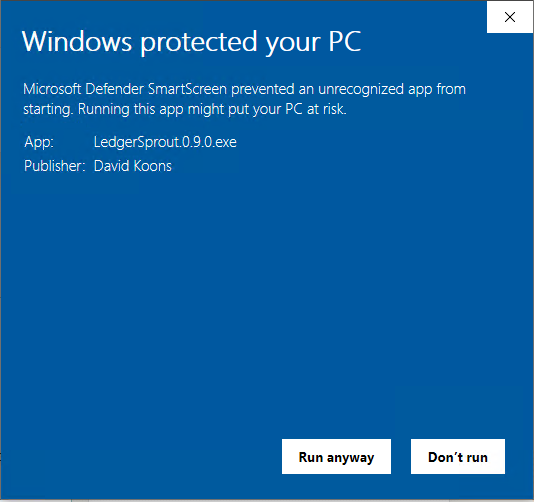
Windows may show a “Windows protected your PC” screen. LedgerSprout is code-signed, but Windows SmartScreen still cautions about newer apps from independent publishers until they’ve built up enough downloads to earn reputation — it doesn’t mean anything is wrong, and it stops appearing as more people install the app. Click More info to see our verified publisher name, then Run anyway to continue. The app runs entirely on your computer — nothing is uploaded.
Supported banks
Drop in a statement PDF and LedgerSprout picks the right parser automatically. The free Community edition reads the same formats as the paid ones — so you can confirm your own statements work first, in a couple of minutes, without buying anything. A few of the big ones:
…plus Delta SkyMiles, USAA, and more. See all supported formats →
Bank not listed? Try it free anyway — a generic parser handles many common layouts, and you will know within minutes whether yours is one of them. If it is not, send us a statement and we will look at your format.
Pricing
Free
Start here. Confirm your own statements parse correctly before you pay for anything.
No card required
$129 one-time
Never expires. All future updates and new bank parsers included, free, forever.
Buy Individual$349 1-year license
No auto-renewal — you're never billed automatically. After 12 months the Pro features above switch off and your key keeps working as a permanent Individual license. Details.
Buy ProNeed Another Bank?
If your bank or card issuer is not supported yet, share one original text-based statement PDF so we can review your format.
Now recruiting beta testers
You already can’t risk client financial data ending up somewhere it shouldn’t. The beta doesn’t change that — every statement you test stays 100% local, the same as the shipped app. Put your messiest client PDFs through it and tell me what breaks.